
ZisplayTV
The media player for your Android TV: Live TV, Movies and Series in one place, with simple playlist management from your phone or anywhere online.
✅ Your phone will show a standard warning message (normal for any app outside the Play Store): just tap "Download" to continue.
⬇ Download the app Version 2.62 · 3.3 MB Manage my playlist Installation guideOn your Android TV/box: open this link, then allow "Unknown sources" if asked, to install.
If Ibofast is already installed on your device, uninstall it before installing this version. Your playlists will need to be entered again.
On your TV/box, open the Downloader app and just enter this code:
or type this address: aftv.news/2844810
For any complaint or feedback, join us:
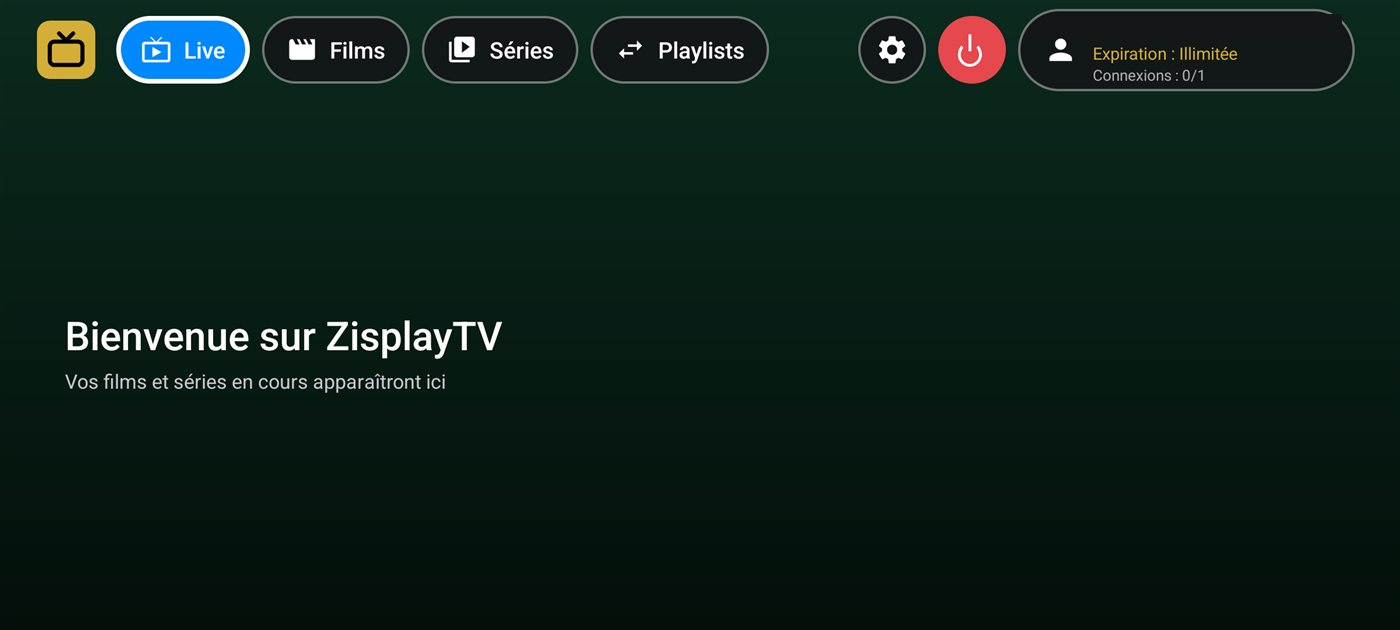
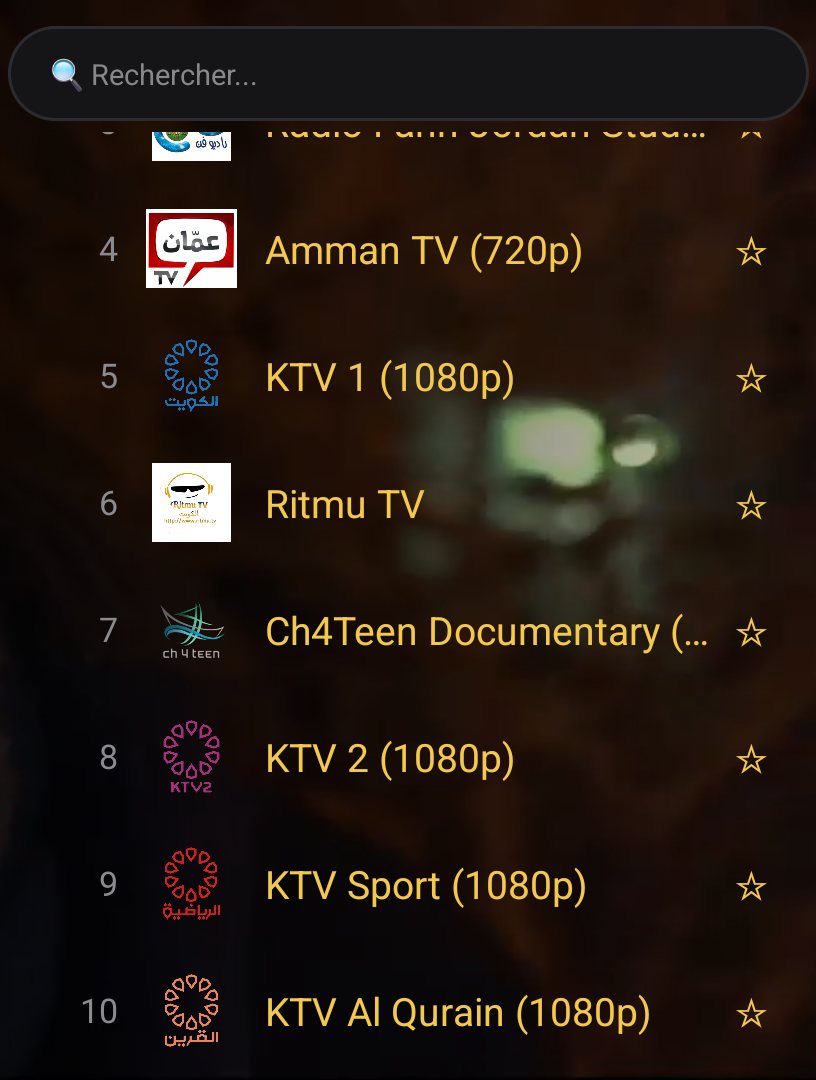
💬 TelegramApp preview


Why Ibofast?
All in one
Live TV with fast channel surfing, Movies and Series on demand, in one smooth app.
Easy playlist setup
Scan a QR code from your phone, or enter your details directly on this site — no need to type on a TV remote.
Remote management
Add or edit your playlist from anywhere online, not just from home.
Multi-language
Interface available in French, English and Arabic.
Parental lock
Protect certain categories with a PIN code, per playlist.
Automatic reconnection
If the stream drops, Ibofast reconnects on its own, no action needed.
Smart sorting
The categories you watch the most automatically rise to the top of the list.